
Government Job Tools 2026
Use these free online tools to prepare documents, check eligibility, and avoid common mistakes while filling government job application forms in India.
Government Job Age Calculator
Calculate your exact age on the required cutoff date and check whether you meet the age eligibility criteria for government jobs, exams, and recruitment forms.
- Useful for age cutoff dates
- Helps avoid eligibility mistakes
- Best for SSC, Railway, Police, State Jobs and more
Photo & Signature Resizer
Resize your photo and signature according to government job form requirements such as 20KB, 30KB, 50KB, 100KB and other common upload sizes.
- Resize photo for online forms
- Reduce image size easily
- Useful for photo and signature upload
Photo to PDF Converter
Convert photos, scanned documents, certificates, ID proof, and application documents into a PDF file for government job forms and document upload.
- Convert image to PDF
- Useful for certificates and documents
- Simple browser-based tool
Word to PDF Converter
Convert Word documents into PDF format for applications, resumes, declarations, certificates, and other government job related documents.
- Convert DOC/DOCX to PDF
- Useful for resume and forms
- Helps keep document format fixed
Why These Tools Are Useful for Government Job Forms?
Many candidates make small mistakes while applying online, such as entering the wrong age, uploading an oversized photo, submitting the wrong document format, or missing important file-size instructions. These free tools help students and job seekers prepare their documents before starting the online application process.
Before submitting any form, candidates should carefully read the official notification, check the eligibility criteria, confirm the age cutoff date, and prepare all required documents in the correct format.
Recommended Tools
Frequently Asked Questions
Are these government job tools free?
Yes, all tools listed on this page are free to use for students and job seekers.
Can I use the age calculator for all government jobs?
Yes, you can use it to calculate your exact age on the cutoff date mentioned in the official notification.
Can I resize my photo and signature for online forms?
Yes, the Photo & Signature Resizer Tool helps you reduce image size for online application forms.
Which tool should I use to convert certificates into PDF?
You can use the Photo to PDF Converter if your certificate or document is available as an image.
Can I convert my resume from Word to PDF?
Yes, use the Word to PDF Converter to convert DOC or DOCX files into PDF format.
Should I still check the official notification?
Yes, always verify age limit, document size, format, and eligibility rules from the official recruitment notification.
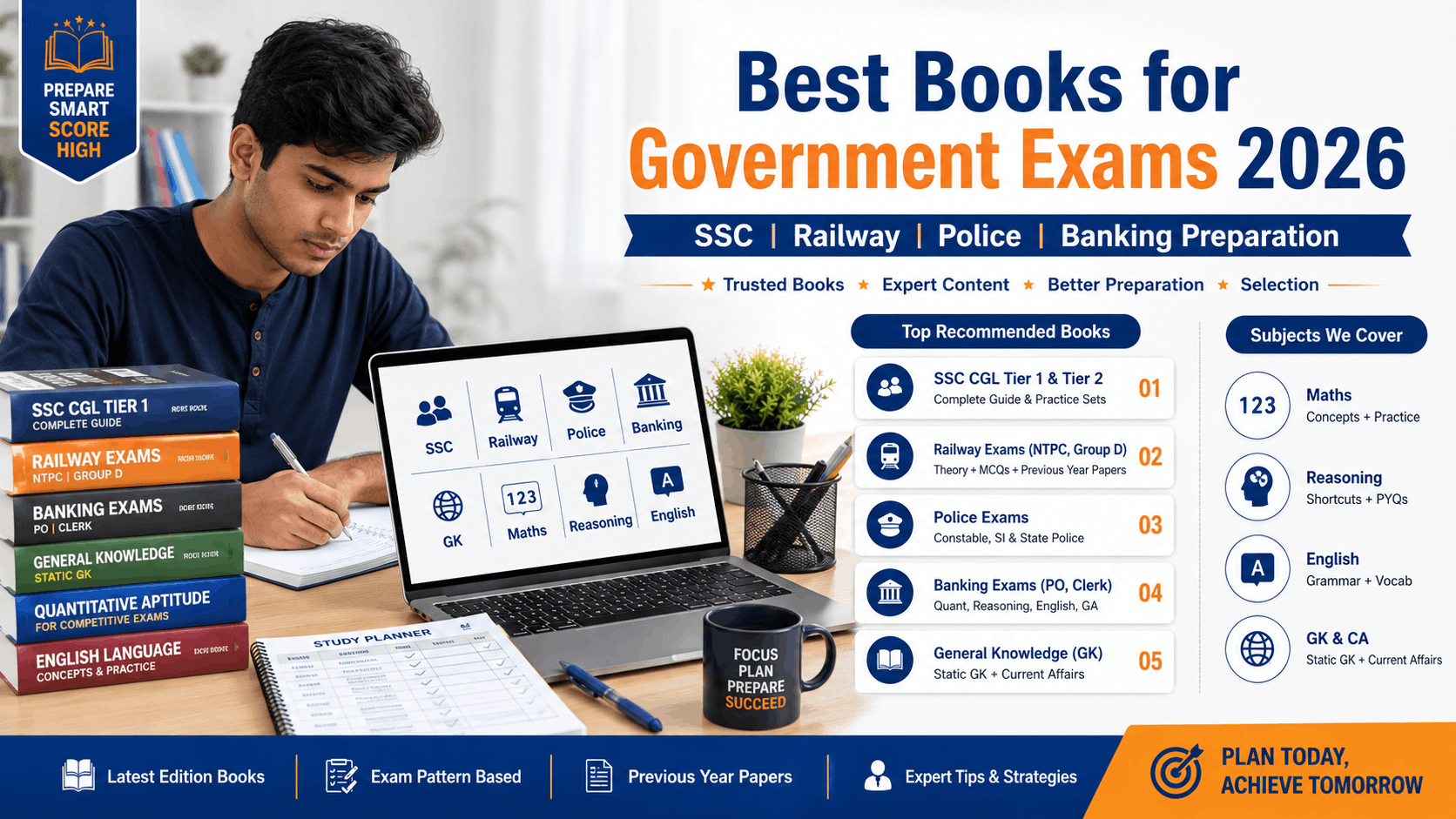
Best Books for Government Exams 2026
Preparing for BPSC 72nd CCE 2026? Improve your preparation with recommended books for General Studies, Current Affairs, Reasoning, English and Competitive Exam Practice Sets.
- SSC & Competitive Exam Books
- General Knowledge & Current Affairs
- Reasoning & Quantitative Aptitude
- Previous Year Practice Sets
- Beginner to Advanced Level Preparation
see book on amazon